Tumblr is a microblogging and social networking platform founded by David Karp in 2007 and now owned by Automattic, the company behind WordPress. With hundreds of millions of posts published daily, Tumblr is one of the internet’s most enduring creative communities, built around fandoms, original art, creative writing, photography, humor, and niche subcultures. Unlike Instagram or TikTok, Tumblr has always had a strong culture of pseudonymous expression — many users maintain carefully separated blog identities that have no connection to their real names or personal contact information.
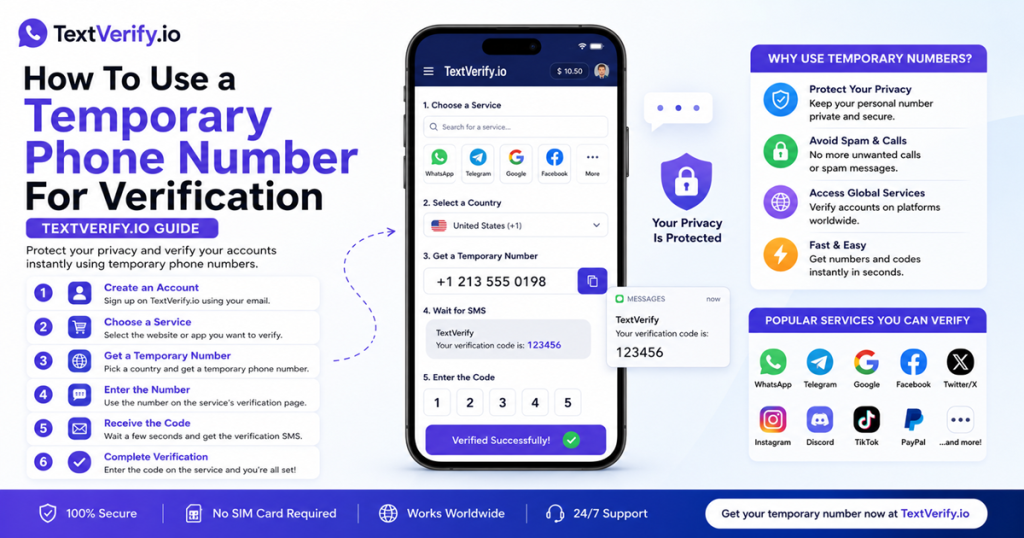
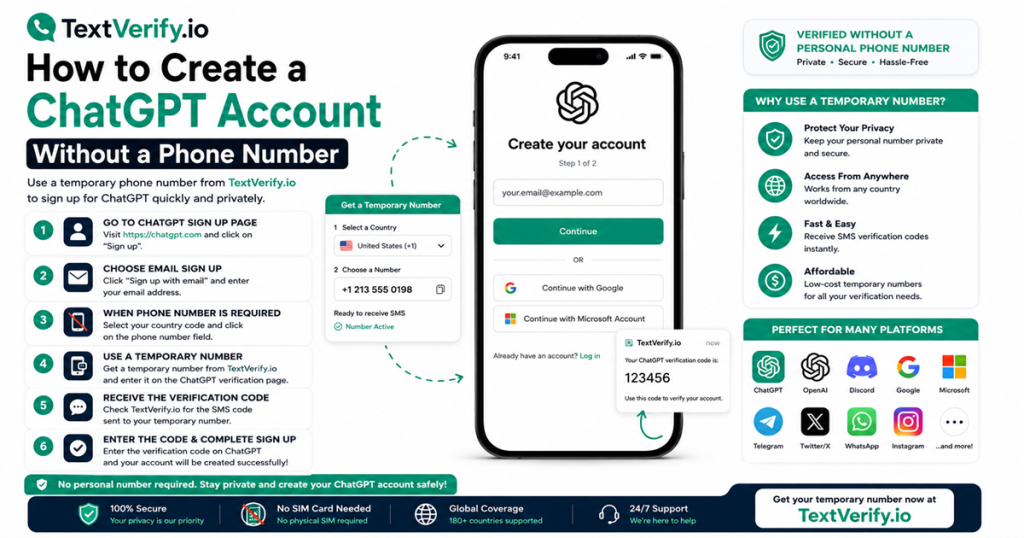
Tumblr may prompt users to add a phone number during or after account creation for account security and spam prevention purposes. If you are creating a Tumblr account and want to keep your personal phone number entirely off the platform — whether to protect your pseudonymous identity, avoid connecting a personal number to a fandom or creative blog, or simply keep your contact details private — a real non-VoIP US carrier number from TextVerify.io lets you complete Tumblr’s phone verification without using your personal number. Tumblr checks the carrier type before dispatching any SMS, which means internet-based VoIP numbers are rejected at the verification step.
Why Tumblr Requires Phone Verification
Tumblr uses phone verification as part of its account trust and anti-spam infrastructure:
| Spam and bot account prevention. Tumblr has historically faced significant challenges with automated spam accounts, bot networks, and mass-created throwaway profiles used for spam reblogging or targeted harassment. Phone verification creates a friction layer that requires each account to be linked to a real, reachable number, dramatically reducing the viability of mass automated account creation. |
| Account security and recovery. Tumblr accounts can accumulate years of original content, follower relationships, and creative identity. A verified phone number provides a second-factor security layer and a recovery channel if the account is compromised or the password is lost. This is particularly relevant for content creators who have built an audience under a specific Tumblr identity over years. |
| Pseudonymous identity protection. Tumblr’s culture is built around pseudonymous blogging. Many users have maintained blog identities for years that are entirely separate from their real-world identity. Using a TextVerify number during phone verification means the account has no link to your personal phone number, preserving the clean separation between your Tumblr identity and your real contact information. |
| Multiple blog management. Tumblr allows one primary account to manage multiple blogs. Users who run separate blogs for different creative projects, fandoms, or content types often prefer that none of these blogs trace back to a personal phone number. A TextVerify number registers the primary account without tying it to personal contact details. |
| Platform safety compliance. Following its acquisition by Automattic in 2019, Tumblr has implemented additional safety and trust measures consistent with Automattic’s broader platform standards. Phone verification is part of this updated safety infrastructure and applies particularly to new account registrations and accounts flagged for security review. |
What Does Not Work
These options fail at Tumblr’s carrier validation step:
| Google Voice. VoIP. Tumblr identifies Google Voice as an internet-routed number and blocks the verification attempt before any SMS is dispatched. This is consistent across Tumblr’s current carrier checking infrastructure regardless of how long the Google Voice number has been active. |
| TextNow, Hushed, 2ndLine, Sideline, Burner. All VoIP. App-based internet numbers are rejected at the carrier check. Tumblr’s anti-spam measures specifically target VoIP numbers because they are the primary tool used for mass fake account creation on the platform. |
| Free public SMS websites. Numbers from public receive-SMS sites are blocklisted by Tumblr. Beyond the carrier issue, a public OTP inbox means anyone visiting that site during your registration window can see your code and potentially register the same number on Tumblr, competing with or disrupting your account creation. |
| Skipping phone verification entirely. When Tumblr prompts for phone verification, skipping it may limit account features or result in the account being flagged for review. Completing verification with a TextVerify number is the clean path to a fully functional account without restrictions. |
TextVerify.io numbers are provisioned from real US licensed telecom carrier infrastructure. They pass Tumblr’s carrier check as genuine numbers and deliver the OTP to a private inbox only you can access.
Step-by-Step Guide
Create and verify a Tumblr account without your personal phone number:
Common Mistakes to Avoid
- Using a VoIP number. Tumblr’s carrier check rejects internet-routed numbers before any code is sent. Google Voice, TextNow, Hushed, and similar services all fail at this step. Only a real US carrier number from TextVerify passes Tumblr’s validation.
- Using a public SMS site. Public receive-SMS sites are blocklisted by Tumblr and expose your OTP to anyone browsing the site at the same moment. For a pseudonymous Tumblr identity, a public inbox is a direct privacy risk — anyone who sees the code could register the same number and disrupt your setup. TextVerify’s private inbox is the only safe option.
- Not having TextVerify open before requesting the code. Tumblr’s OTP expires quickly. Open your TextVerify inbox tab before clicking Send Code so you can paste the OTP immediately without racing against the expiry timer.
- Not enabling two-factor authentication. If the TextVerify rental expires without 2FA enabled, account recovery becomes harder since the registered number can no longer receive SMS. Set up 2FA with an authenticator app immediately after account creation.
- Using the same TextVerify number for multiple Tumblr accounts. Tumblr allows one primary account per email, but some users maintain separate email-based accounts. Each account should have a unique phone number. TextVerify lets you provision separate numbers for each account if needed.
Frequently Asked Questions
Bottom line
Tumblr checks carrier type before sending an OTP and rejects VoIP numbers. TextVerify.io provides real US carrier numbers that pass this check. Enter the number when prompted during or after Tumblr registration, copy the OTP from your private inbox, confirm it, and your account is verified with your personal number kept off the platform. Enable two-factor authentication with an authenticator app immediately so account access does not depend on the registered number long term.
TextVerify.io
🖼️ Verify Tumblr Without Your Personal Number
Real non-VoIP US numbers · Passes Tumblr’s carrier check · Private inbox only you can access
Get Started on TextVerify.io →