Nextdoor is a neighborhood-focused social network founded in 2011 and headquartered in San Francisco, California. Unlike general social media platforms, Nextdoor is built around verified local addresses — every member must confirm they live in the neighborhood they join. The platform connects residents within the same neighborhood to share local news, safety alerts, recommendations for local businesses, lost-and-found posts, and community events. Nextdoor operates in over 335,000 neighborhoods across the United States and is also available in Canada, the United Kingdom, Australia, France, Germany, the Netherlands, Spain, Italy, and several other countries. It went public in 2021 and trades on the New York Stock Exchange under the ticker KIND.
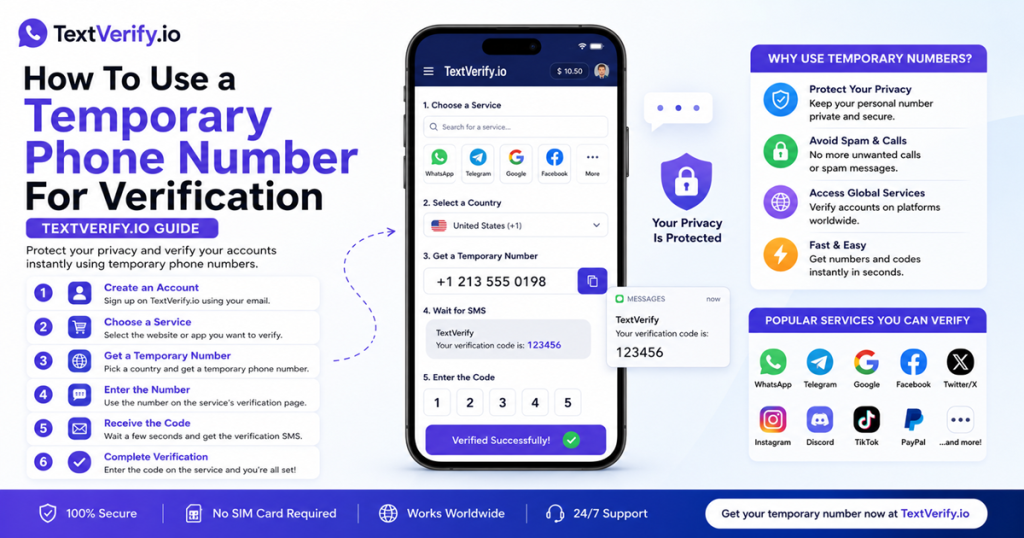
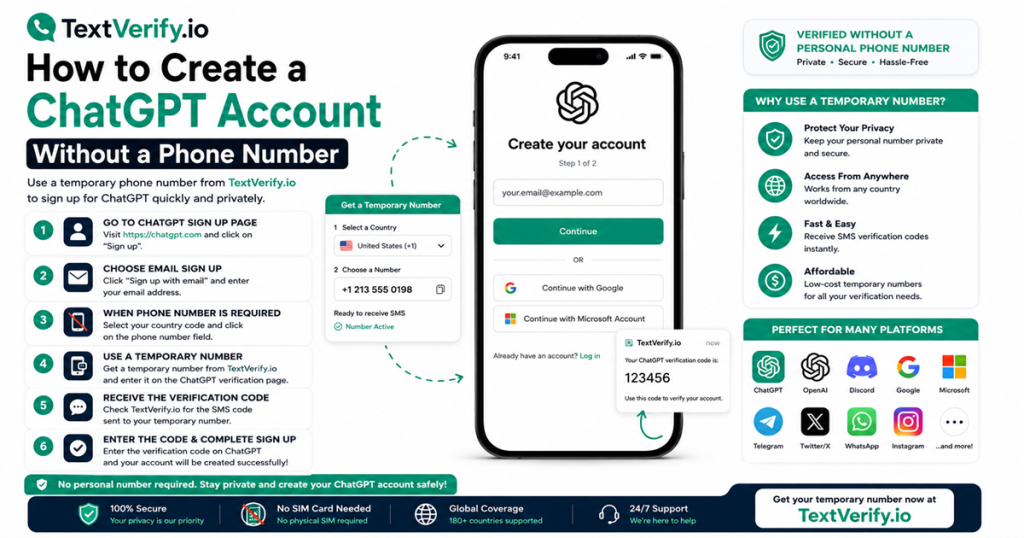
When creating a Nextdoor account, a phone number is required as part of the identity verification and account security process alongside address verification. Nextdoor checks the carrier type of the submitted number before sending any SMS verification code, blocking VoIP numbers before an OTP is dispatched. If you want to register Nextdoor without your personal phone number — for privacy when joining a neighborhood network, to keep your personal contact details off a location-based platform, or to separate your personal number from a community app that uses your home address — a real non-VoIP US carrier number from TextVerify.io passes this check and delivers the code to a private inbox only you can access.
Why Nextdoor Requires Phone Verification
Nextdoor’s phone verification requirement is tied to its unique model as a location-verified community network:
| Address-based identity verification requires additional confirmation. Nextdoor’s core feature is that every member is verified to live at a real address in their neighborhood. Address verification is the primary identity step, but Nextdoor uses phone verification as an additional confirmation layer to strengthen account integrity. A real carrier number paired with an address reduces the chance of fake accounts created with fabricated addresses, protecting the trust and safety of the neighborhood network. |
| Local safety and community trust. Nextdoor is used to share real-time safety alerts, crime reports, and local emergency information. The credibility of this safety-related content depends on members being real verified neighbors rather than anonymous or fake accounts. Phone verification, alongside address verification, is part of the identity layer that supports the trust and authenticity Nextdoor’s neighborhood safety features depend on. |
| Account recovery and two-factor authentication. Nextdoor uses the registered phone number as a two-factor authentication channel for logins and as the primary account recovery method. Because Nextdoor accounts are tied to a specific home address, account recovery is particularly important — a lost account cannot simply be re-registered at the same address without going through the full address verification process again. The phone number provides a reliable recovery path. |
| Spam and fake account prevention. Neighborhood social networks are targets for spam accounts posting fraudulent service offers, fake listings, and scam advertisements designed to appear as local neighbor recommendations. Phone verification adds a real identity layer that makes bulk creation of fake neighborhood accounts significantly harder and more expensive. |
| Location-based privacy. Nextdoor displays your general neighborhood location to other members and in some contexts shows your street address or block. Combining your personal phone number with your home address on a location-based platform creates a high-value data linkage. Keeping your personal number off Nextdoor limits the personal contact information tied to your neighborhood profile and home location. |
What Does Not Work
These alternatives fail at Nextdoor’s carrier validation step:
| Google Voice. VoIP. Nextdoor identifies internet-routed numbers and rejects them before any OTP is dispatched. The platform’s need for real identity verification to support its address-based neighborhood trust model means its carrier filtering is consistent and strict. |
| TextNow, Hushed, 2ndLine, Sideline, Burner. All VoIP. App-based internet numbers are flagged and rejected at the carrier check. These disposable numbers represent the primary tool used for creating fake neighborhood accounts, giving Nextdoor strong reason to block them at registration. |
| Free public SMS websites. Blocked by Nextdoor. A public inbox is also a security concern on a platform tied to your home address — if someone intercepts an OTP from a public page, they can complete Nextdoor registration with your address and appear as a verified neighbor in your neighborhood network. |
| Skipping phone verification. Nextdoor requires phone verification as part of the account activation process. Without completing it, the account remains unverified and access to the neighborhood feed and posting features is restricted. |
TextVerify.io numbers are provisioned from real US licensed telecom carrier infrastructure. They pass Nextdoor’s carrier check as genuine numbers and deliver the OTP to a private inbox only you can access.
Step-by-Step Guide
Register a Nextdoor account without your personal phone number:
Common Mistakes to Avoid
- Using a VoIP number. Nextdoor identifies internet-routed numbers at the carrier check and rejects them before any code is sent. Only a real US carrier number from TextVerify passes this check.
- Using a public SMS inbox on a location-based platform. Nextdoor accounts are tied to your home address. If someone intercepts an OTP from a public page, they can create a Nextdoor account appearing as a verified neighbor at your address. TextVerify’s private inbox prevents this.
- Not opening TextVerify before requesting the code. Nextdoor’s OTP expires quickly. Have your TextVerify inbox open and ready before clicking Send Code.
- Not updating the number before the rental expires. Nextdoor uses the registered phone number for 2FA and as the primary account recovery method. Because the account is tied to your home address, losing 2FA access is a significant inconvenience. Update the number in Nextdoor settings before the TextVerify rental expires.
- Expecting immediate full access. Nextdoor may require address verification in addition to phone verification before granting full access to your neighborhood feed. Depending on the method available at your address, this could involve a postcard verification step that takes a few days.
Frequently Asked Questions
Bottom line
Nextdoor checks carrier type before sending an OTP and blocks VoIP numbers as part of its account verification process. TextVerify.io provides real US carrier numbers that pass this check. Enter the number during registration, copy the OTP from your private inbox, confirm it, and complete any address verification steps required. Update the phone number in settings before the rental expires — especially important on an account tied to your home address where account recovery depends on the registered number.
TextVerify.io
🏠 Verify Nextdoor Without Your Personal Number
Real non-VoIP US numbers · Passes Nextdoor’s carrier check · Private inbox only you can access
Get Started on TextVerify.io →