🔐📱
How To Register on TextVerify.io — Complete Step-by-Step Guide
Real non-VoIP US numbers · Works on 100+ platforms · 2026
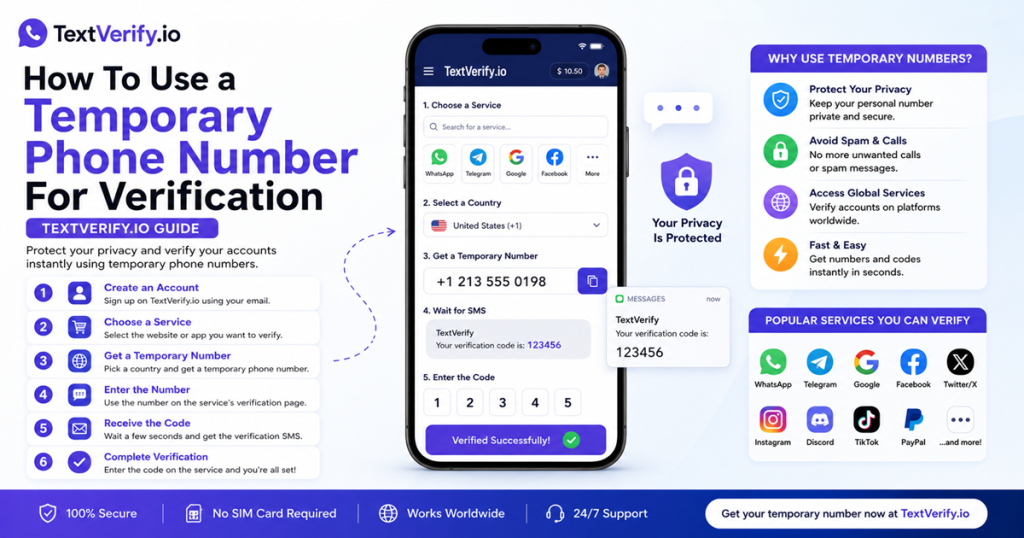
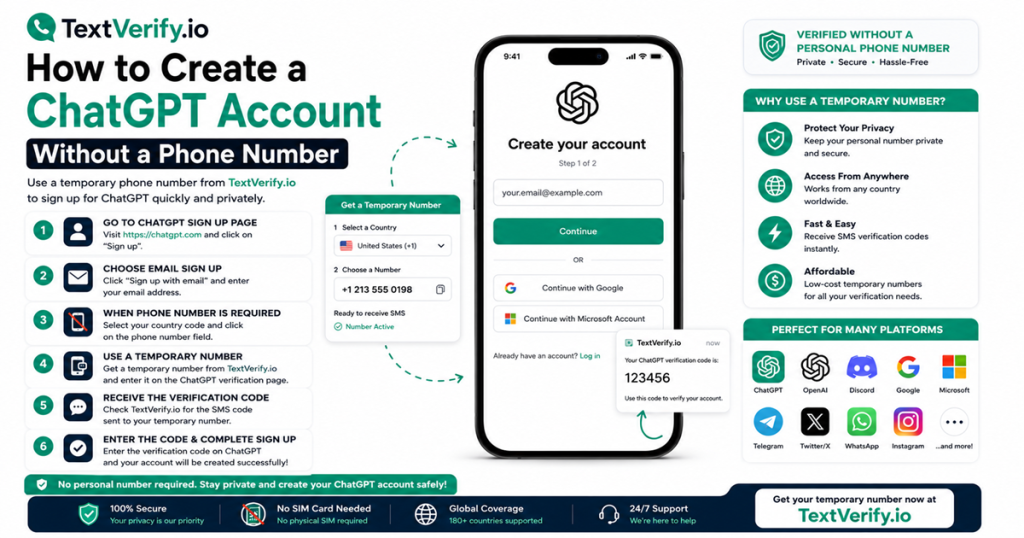
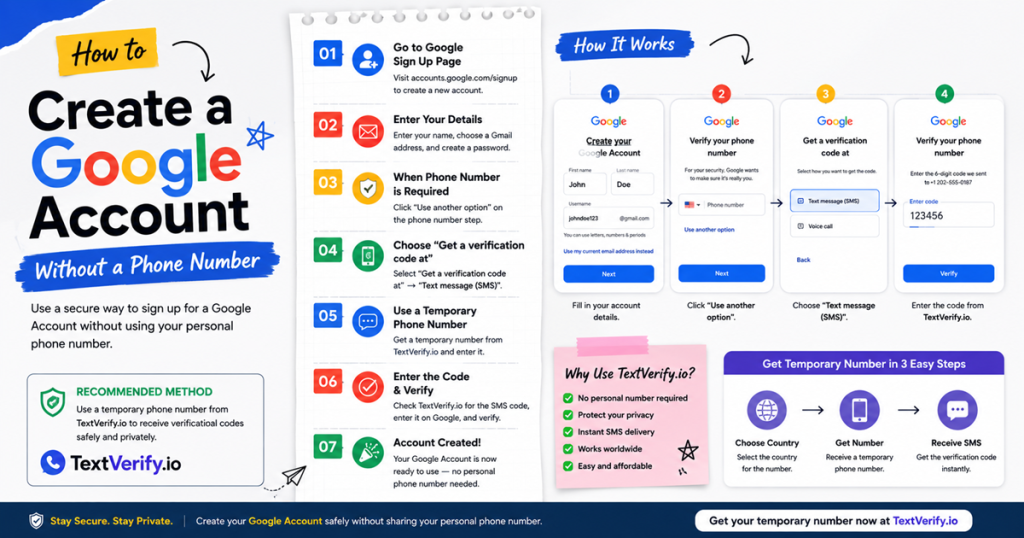
Most platforms today ask for a phone number before they let you do anything. Google, WhatsApp, PayPal, Discord — they all want to send a code to a number you own before your account goes live. If you would rather keep your personal number out of it, TextVerify.io is worth knowing about. This guide walks you through how to register on TextVerify.io, set up your account, and get a real US number working in just a few minutes.
Short answer: Go to
textverify.io, click the signup link, enter your email and a password, and your account is ready instantly — no email confirmation required. Add credits, pick a US number, and you can receive verification codes on any platform within minutes.
TextVerify.io is a platform that gives you access to real US phone numbers sourced directly from mobile carriers. These are not the kind of numbers generated over the internet — they behave exactly the same as a number on a physical SIM card.
There are two ways to use the platform depending on what you need. A one-time number gives you a number for a short window — enough time to grab a code and verify a single account. A rental number is different: you keep the same number for several days and it can receive as many SMS codes as the platform sends. Both types include US state selection, which matters when a service checks your area code against your registered location.
💡 Why does carrier type matter? Platforms have ways of identifying numbers that come from internet-based services — and they block them. TextVerify draws its numbers from actual US mobile networks, so they pass every carrier check the same way a personal number would.
2
How To Register on TextVerify.io
Here is a clear walkthrough of the TextVerify.io registration process from start to first number:
| 1 |
Open the TextVerify website
Head to textverify.io and look for the account creation link at the top of the page. It takes you to the signup screen.
|
| 2 |
Set up your login details
On the signup screen, type in your email and pick a password. Nothing else is required from you at this stage — just those two things. Tap Register Now when you are done.
|
| 3 |
Your dashboard opens immediately
The account opens straight away — there is no email link to click. Your dashboard loads immediately, showing your balance, number options, and a live SMS inbox.
|
| 4 |
Add credits to your account
Go to the Deposit section and top up your balance. Once funded, you can start getting numbers right away.
|
| 5 |
Choose a number and start verifying
Select a one-time number for a quick single verification, or a rental number if you need it for several days. Your real US number shows up on the dashboard — copy it, paste it into the platform you are signing up for, and watch the code arrive in your TextVerify inbox.
|
✅ From this point on, getting a new number whenever you need one is just a single click from your dashboard. The account stays active and your credit carries over.
3
Choosing the Right Number Type
TextVerify offers two types of numbers and they cover almost every situation:
| ⚡ |
One-time number (Temporary S1)
A genuine US carrier number active for a short window. Includes state selection. Best suited for verifying a single account on any service. If no code comes through, nothing gets charged.
|
| 📞 |
Rental number
A dedicated number rented for 3 or 30 days. No limit on how many codes it receives. Ideal for platforms that keep sending security messages every time you log in. Renew it before the period ends if you want to hold onto it.
|
TextVerify also has numbers from the UK, Canada, and other countries if you need something outside the US. Once your account is running, it works across WhatsApp, Google, Facebook, Instagram, Telegram, PayPal, Coinbase, Binance, Twitter, Uber, Amazon, Discord, and many other platforms that use SMS during signup.
4
Tips After You Register
A few things worth knowing once your account is up:
| 📖 |
Bookmark your dashboard. Save panel.textverify.io in your browser now. When a code drops, you want to reach your inbox fast — especially on a short-window one-time number. |
| ⚡ |
Use a one-time number for high-value accounts. For verifying something like a crypto exchange or a PayPal account, the S1 number pulls from a premium pool that tends to deliver the most consistent results. |
| 🔄 |
Rental beats re-buying for ongoing 2FA. If a platform keeps texting you a security code every time you sign in, renting a number for 30 days works out much cheaper than buying a fresh one-time number each session. |
| 💻 |
Building something? There is an API. TextVerify has a REST API that lets developers wire SMS verification directly into their own applications. The docs are available in your dashboard under API Documentation. |
| ❌ |
Do not wait after getting a number. Go straight from getting your number to the platform you are verifying. Trigger the code request immediately — do not switch tabs or check something else first. |
5
Frequently Asked Questions
QHow do I register on TextVerify.io?
Visit textverify.io, find the account creation link, enter your email and a password, and tap register. The account is ready to use the moment you submit — no waiting, no extra steps. After that, add credit, choose a number, and you are set.
QDoes it cost anything to open an account?
Signing up costs nothing at all. You only spend money when you decide to top up and start buying numbers.
QDo I need to verify my email before using the platform?
No verification email is sent. The account becomes usable the moment you tap register — the dashboard loads straight after and you can start exploring right away.
QWhat if I want a refund on unused credit?
Refunds on unused credit depend on the situation. For rental numbers, a refund is possible as long as no message has been received on the number yet. Contact the TextVerify support team on Telegram to discuss your specific case.
QCan I use TextVerify.io from outside the US?
The platform works globally. It mainly focuses on US numbers, though UK and Canadian numbers are also available. Wherever you are logging in from, the experience is the same.
TextVerify
🔐 Create Your Free TextVerify Account
Real US carrier numbers · Works on 100+ platforms · No delivery = no charge
Get Started →
Disclaimer: TextVerify is an independent third-party SMS verification service. WhatsApp, Google, PayPal, Discord, Instagram, Telegram, Coinbase, Binance, and all other platforms mentioned in this article are trademarks of their respective owners. TextVerify is not affiliated with, endorsed by, or connected to any of these platforms.