US Temp Number for PayPal to verify your account during signup. Whether you want to protect your privacy, avoid unwanted marketing calls, or simply keep your personal number off PayPal’s database, TextVerify.io has the perfect solution. Get a real, non VoIP US phone number in seconds, receive PayPal’s SMS verification code instantly, and complete your account setup — privately and hassle-free.
Why PayPal Asks for a US Phone Number
PayPal uses phone number verification for two main reasons. First, it confirms that you are a real person — not a bot or fraudulent account. Second, it enables SMS-based security alerts, two-factor authentication (2FA), and account recovery. When you sign up, PayPal sends a 6-digit SMS code to the number you provide. Entering that code completes your account registration.
The problem is that linking your real personal number to PayPal means your number gets stored in their system permanently. PayPal may use it for marketing messages, and if their data is ever compromised in a breach, your number is exposed. A real US temporary number from TextVerify.io lets you pass PayPal’s verification without any of these risks.
Why TextVerify.io is Perfect for PayPal Verification
Free number websites are almost always blocked by PayPal because they provide VoIP numbers. TextVerify.io is built differently — every number is sourced from a real US mobile carrier and passes PayPal’s strict carrier checks every time.
Real Non VoIP US Carrier Numbers
TextVerify numbers come directly from real US mobile networks. PayPal’s system cannot tell them apart from a regular US SIM card — they are accepted every single time.
Instant SMS Delivery
PayPal’s 6-digit verification code appears on your TextVerify dashboard within seconds. No refreshing, no waiting — just instant delivery so you can complete setup quickly.
Choose Your US State
The S1 plan lets you pick the exact US state your number is from. This is especially useful for PayPal, which sometimes checks whether your phone number’s area code matches your account’s registered US state.
No SMS, No Charge — Ever
You are only billed when PayPal’s SMS code is actually delivered to your number. If the code doesn’t arrive for any reason, you pay absolutely nothing.
Your Real Number Stays Private
PayPal never sees your real phone number. Your personal information stays completely off PayPal’s database — no marketing calls, no data breach risk, no spam.
How to Verify PayPal With a US Temp Number — Step by Step
Create your free TextVerify account
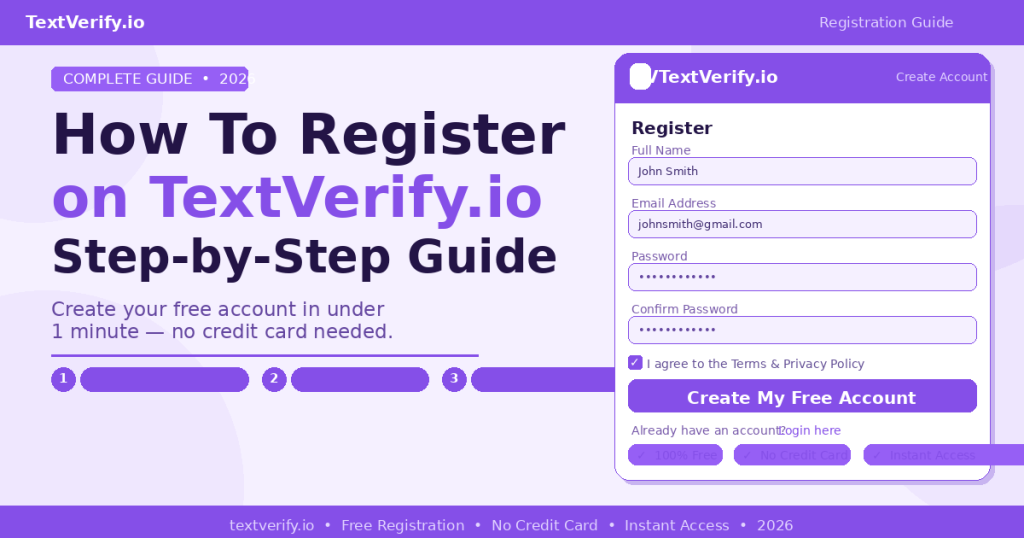
Visit Textverify.io and sign up with your email. It’s free and takes under a minute. Add a minimum deposit of $50 — new users get a 5% first deposit bonus, so $50 becomes $52.50 in credits.
Get a Temporary S1 US Number
From your dashboard, click Temporary Number S1 ($0.25). Select a US state that matches your PayPal account region — for example California, New York, or Texas. Your real non VoIP US number appears instantly. Copy it.
Go to PayPal and start signup
Open paypal.com in a new tab. Click Sign Up, choose Personal or Business account, and fill in your name and email. Continue until you reach the phone number step.
Enter your TextVerify number
Paste the real US number from TextVerify into PayPal’s phone number field. Set the country to United States (+1). Click Send Code or Continue.
Receive the SMS code instantly
Switch back to your TextVerify dashboard. PayPal’s 6-digit SMS code will appear within seconds. Copy it right away — your S1 number is active for 15 minutes.
Enter the code and finish setup
Type or paste the 6-digit code into PayPal and click Confirm. Your PayPal account is now verified and ready to use — no personal phone number required.
S1 Temporary vs Rental — Which Plan is Right for PayPal?
| Feature | Temporary S1 | Rental Number |
|---|---|---|
| Best for | One-time PayPal signup | Ongoing PayPal 2FA & security codes |
| Active duration | 15 minutes | 3 or 30 days |
| SMS limit | Single verification | Unlimited SMS |
| Price | $0.25 per use | $1.30 per number |
| US state selection | ✅ Yes | ✅ Yes |
| Renew anytime | ❌ No | ✅ Yes |
Creating a single PayPal account? Temporary S1 at $0.25 is all you need. If PayPal sends you repeated security codes or 2FA messages every time you log in or send money, a Rental Number at $1.30 for 30 days gives you unlimited SMS access on the same number — far more cost-effective for regular PayPal users.
Other Platforms TextVerify Works With
Beyond PayPal, the same real non VoIP US numbers from TextVerify work on all major platforms:
Google / Gmail
Coinbase
Telegram
ChatGPT
Tips for a Smooth PayPal Verification
Match your state to your PayPal address. When picking your TextVerify S1 number, choose the same US state you’ll use for your PayPal billing address. This reduces the chance of any mismatch flag during account review.
Don’t close the TextVerify tab. Your S1 number is active for 15 minutes. Keep the tab open and visible so you can copy the PayPal code the instant it appears.
No code received? Click Resend on PayPal, then refresh your TextVerify dashboard. If still nothing after 30 seconds, request a new S1 number — you won’t be charged since no SMS was delivered.
Use Rental for active PayPal accounts. If you plan to log in to PayPal regularly and receive security codes each time, a 30-day Rental Number at $1.30 is by far the most cost-efficient option.
Never use a VoIP number for PayPal. PayPal’s system detects and instantly rejects VoIP numbers. Always use a real non VoIP US carrier number from TextVerify for guaranteed verification success.
Frequently Asked Questions
Will PayPal accept a TextVerify number?
Yes. TextVerify provides real non VoIP US carrier numbers that pass PayPal’s carrier verification checks. PayPal’s system cannot distinguish them from a regular US SIM card — they are accepted every time without any issues.
Can I use a TextVerify number for both PayPal Personal and Business accounts?
Yes. TextVerify numbers work for both PayPal Personal and Business account signups. The phone verification process is the same for both account types — enter the number, receive the code, confirm your account.
What if PayPal keeps sending me SMS codes for security?
If PayPal regularly sends security codes when you log in or make transactions, a Rental Number is the right choice. It stays active for 3 or 30 days and supports unlimited incoming SMS — so you always have your number available whenever PayPal sends a code.
Do I get charged if PayPal doesn’t send the SMS?
No. TextVerify’s no-SMS, no-charge policy means you are only billed when a message is actually delivered to your number. If PayPal fails to send the code, you pay nothing and can request a new number at no extra cost.
Is it safe to verify PayPal with a temporary number?
Yes — and in fact it is safer than using your real number. Your personal phone number is never shared with PayPal, which protects you from spam calls, data breaches, and unwanted marketing messages. TextVerify’s real US carrier numbers pass all of PayPal’s security checks reliably.
Protecting your privacy while using PayPal has never been this simple. With TextVerify.io, you get a real non VoIP US number instantly, PayPal’s OTP arrives in seconds, and you only pay when the SMS is delivered. Whether you need one PayPal account or many, TextVerify makes verification fast, private, and 100% reliable every time.
💳 Verify PayPal Without Your Real Number
Real non VoIP US numbers · Instant SMS delivery · $0.25 per verification · No SMS = No charge